Compiler JDK

JDK Supported Build Platforms

JDK8 不支持 M1 芯片,macOS aarch64 平台是从 JDK17 开始支持,以前的版本会 M1 会被检测为 ARM32(macosx-arm) 。

m1 jdk8 error

Compile JDK

Install Boot JDK

To compile JDK 22, your Boot JDK version must be either 20, 21, or 22.

sdk i java 20.0.2-open

Get the complete source code:

当前 仓库源码 JDK version 为 22。

git clone https://git.openjdk.org/jdk/ openjdk
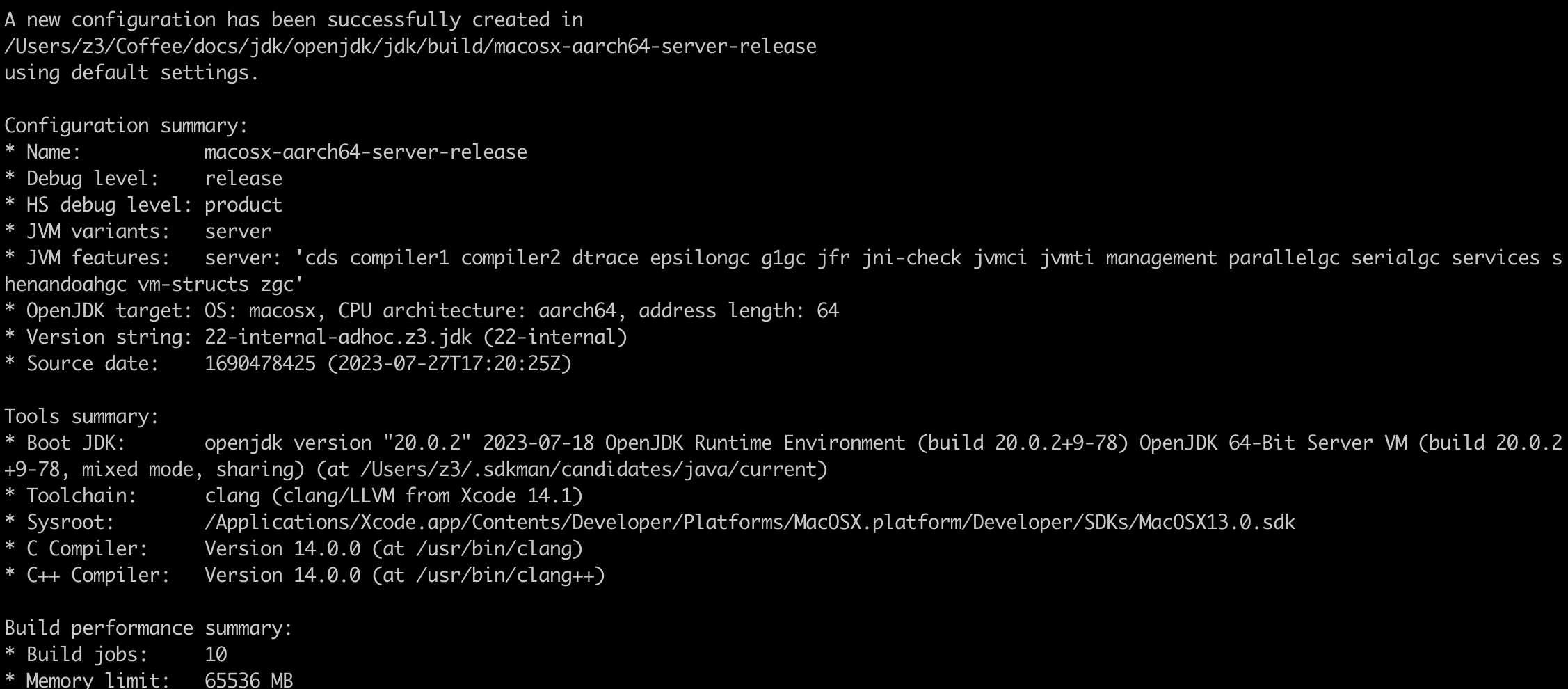
Run Configure

bash configure --with-boot-jdk=$HOME/.sdkman/candidates/java/20.0.2-open
jdk compiler configure
Figure 1. configure success

possible errors:

  • xcode error

    error: XCode tool 'metal' neither found in path nor with xcrun
    solution
    sudo xcode-select -s /Applications/Xcode.app/Contents/Developer

Run make

# build all
make all
# build jdk images
make images

Verify your newly built JDK

./build/*/images/jdk/bin/java -version

Run basic tests

make run-test-tier1
